Snailbox reads every bill the moment you scan it: amount, due date, one-tap reminder. On-device first, your mail stays private.
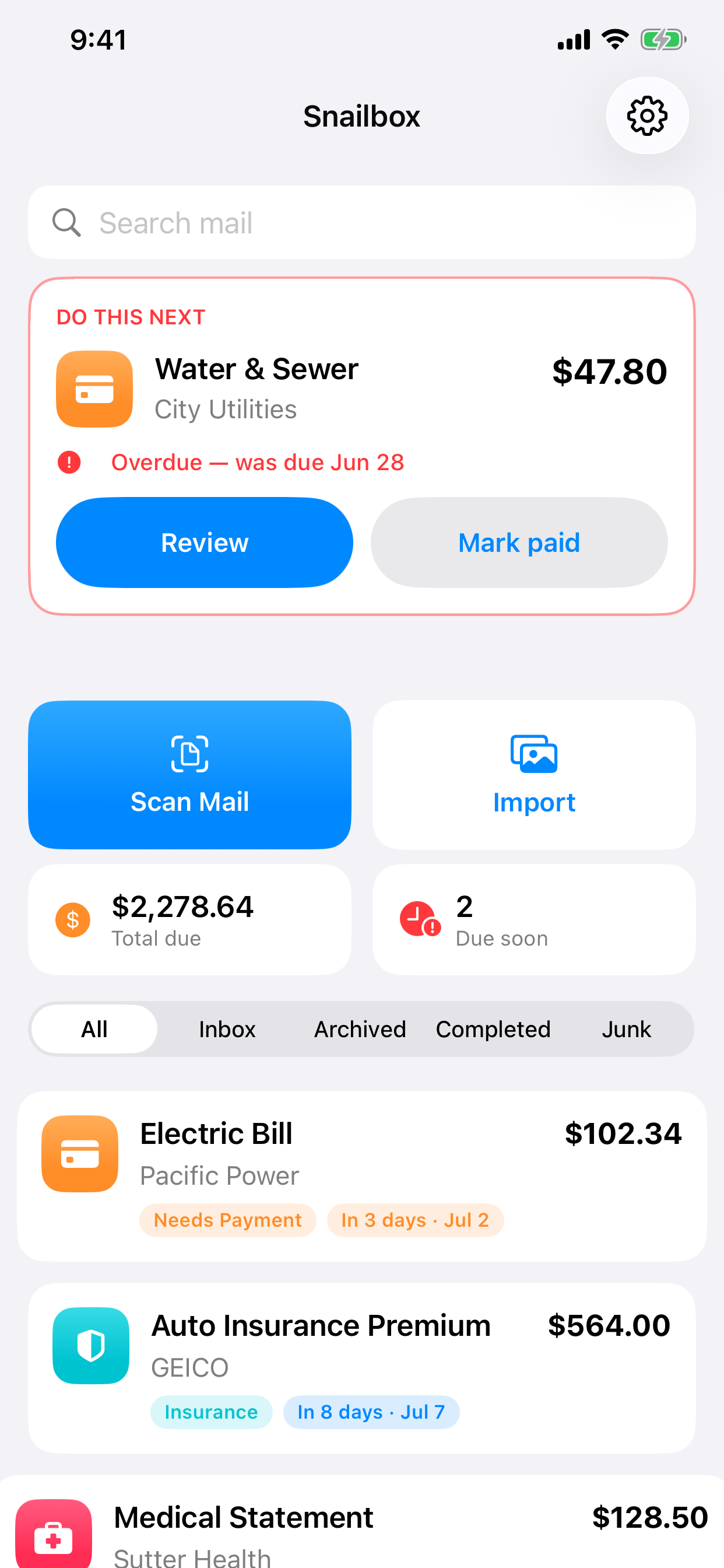
Three taps from a stack of unopened envelopes to a calm, sorted list of what actually needs you.
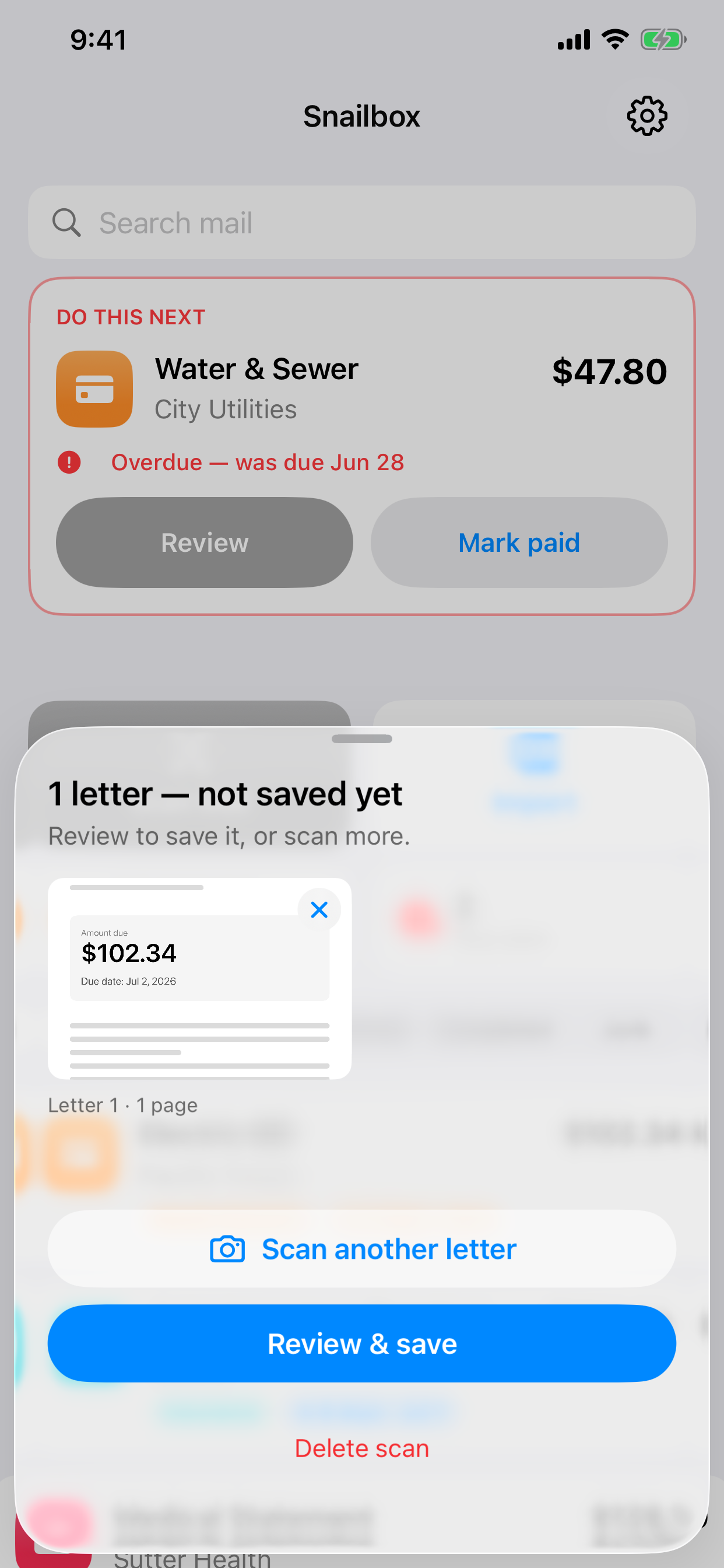
Point your camera at a letter, or batch-scan the whole pile. Each page is captured and processed in its own session, in the background.
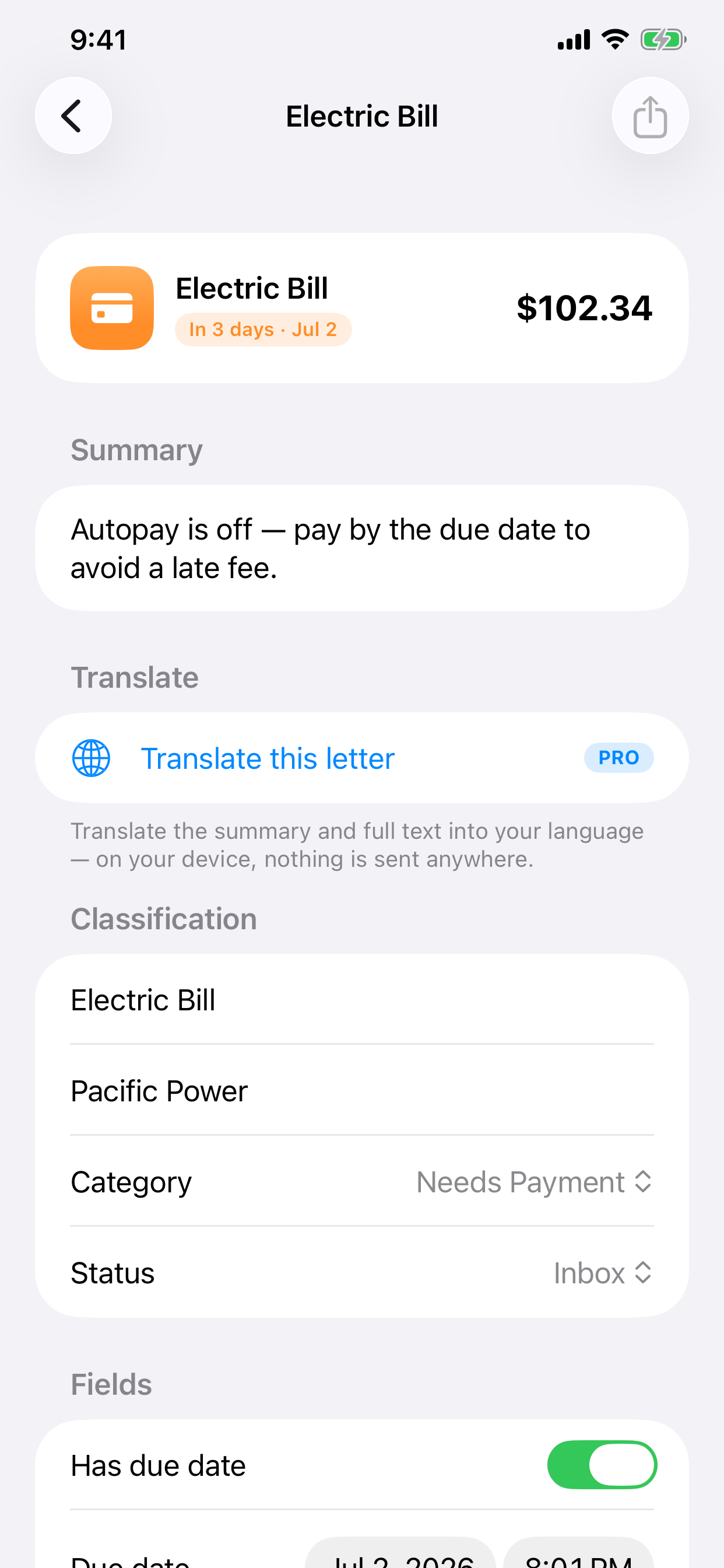
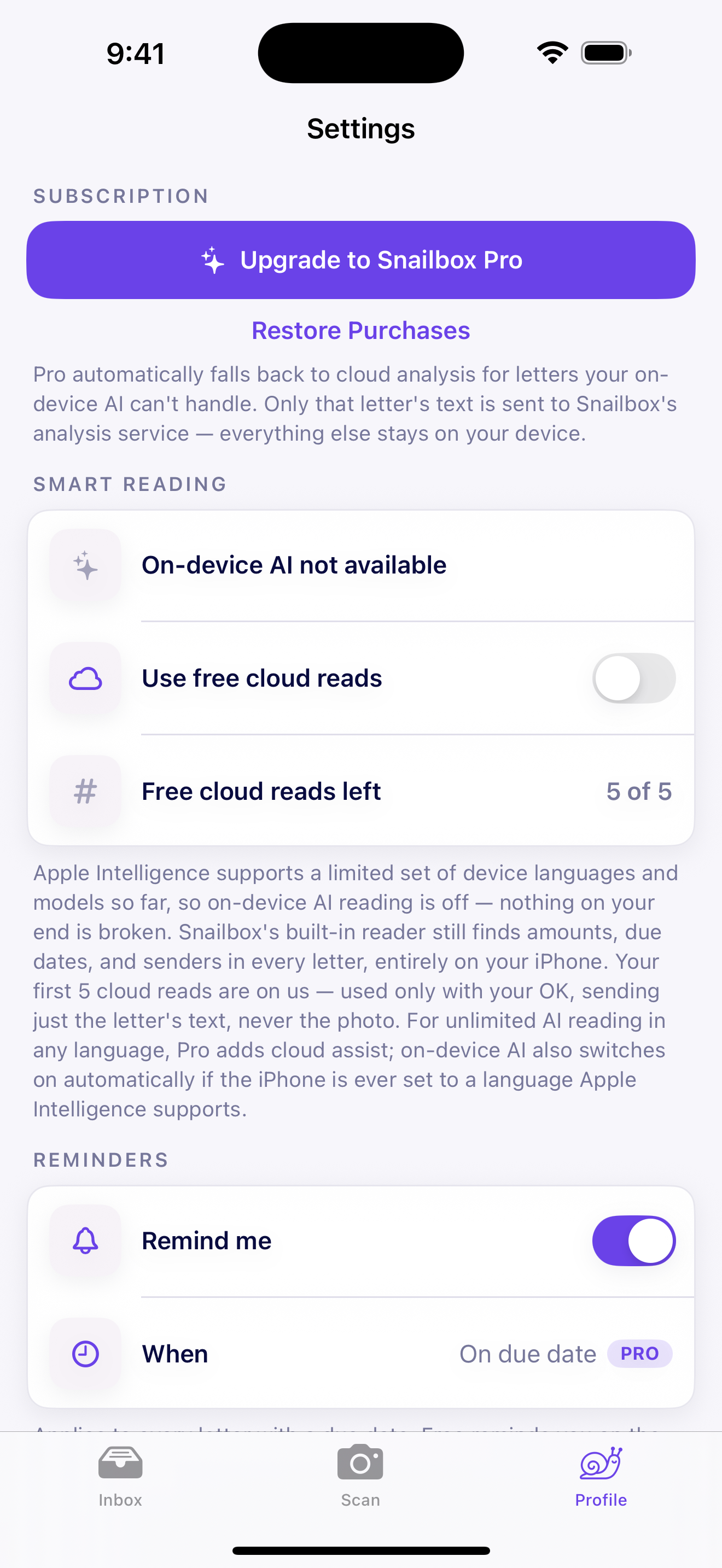
On-device OCR and Apple Intelligence pull out the sender, amount, due date, account number, and a plain-English summary, plus an honest confidence score.
Get a one-tap reminder with lead time and an automatic calendar event. The most urgent thing always sits at the top of your Today screen.
Everything Snailbox does is in service of one feeling: relief. The app holds it so you don't have to keep it in your head.
Robust parsing finds the real amount and deadline, even "due upon receipt" or "net 30", without needing a clean photo or a dollar sign.
Payments, medical, insurance, tax, government, DMV, banking, legal and more, each with its own color and icon so the pile organizes itself.
"Overdue", "Due tomorrow", "In 5 days": big, clear urgency pills that beat time blindness instead of burying dates in a list.
Lead-time reminders that reschedule when you edit a date, plus add-to-calendar with no permission pop-ups in your way.
Your next bill is always visible: object permanence for the thing you'd otherwise forget the moment it's out of sight.
Bills, medical notices, legal letters: this is the most sensitive paper you own. Competitors upload everything to the cloud. Snailbox reads your mail right on your iPhone by default, using OCR and on-device Apple Intelligence, with no account to create.
Need extra muscle on a hard letter? Cloud assist is strictly opt-in — nothing is ever sent without your OK, so you stay in control of every page.
| Snailbox | Cloud mail apps | Doing it yourself | |
|---|---|---|---|
| Where your mail is read | On your device | Uploaded to cloud | In your head |
| Account required | None | Yes | - |
| Finds amount & due date | Automatic | Automatic | Manual |
| Reminders & calendar | Built in | Sometimes | You set them |
| Built for ADHD & caregivers | Yes | No | No |
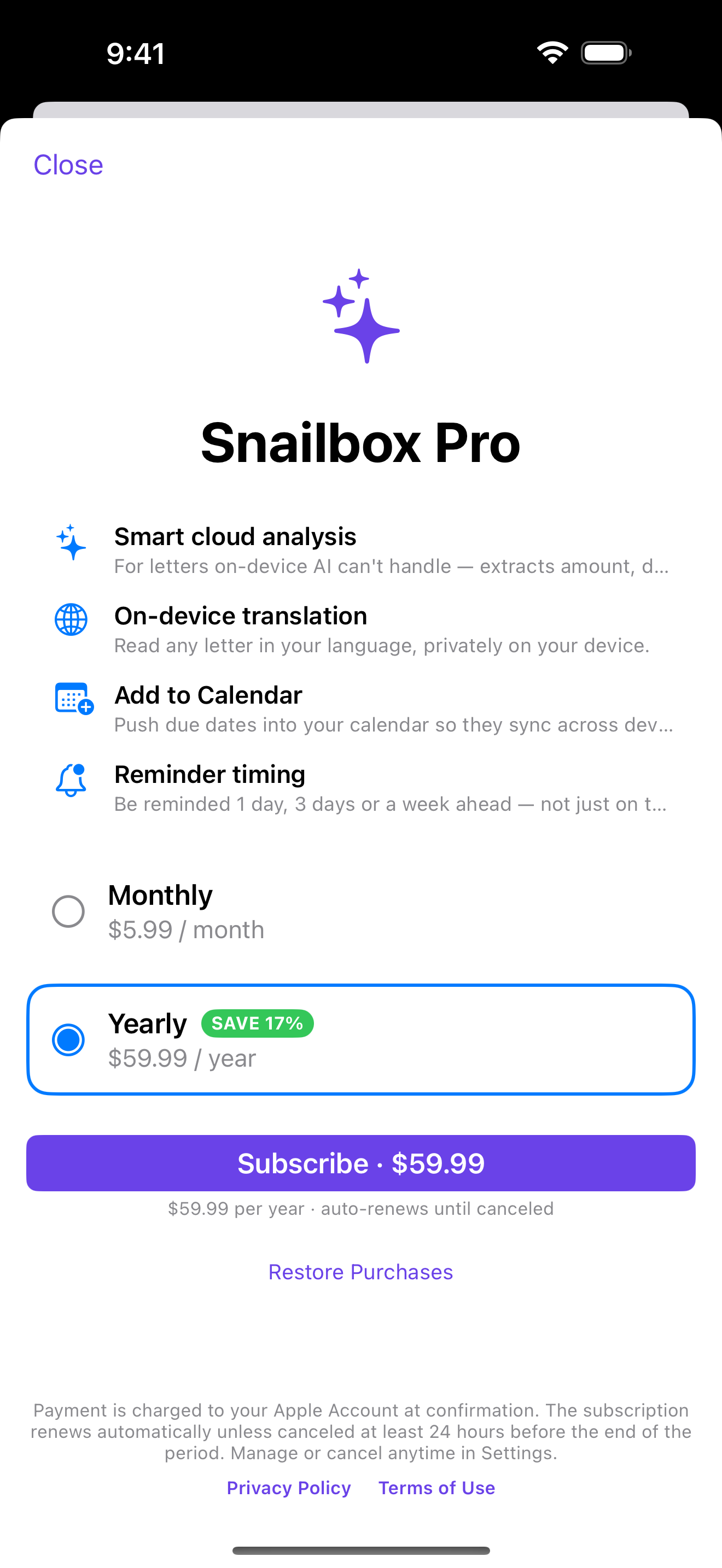
One missed late fee is about $35. Snailbox pays for itself the first time it catches one.
Prices in USD. The 7-day free trial is available on the annual plan, for new subscribers. Subscriptions auto-renew until cancelled. Cancel anytime in the App Store.
By default, no. Scanning, OCR and the AI reading all happen on your iPhone using on-device Apple Intelligence, with no account. The only data that can leave your device is opt-in cloud assist for difficult letters — with Pro, or as a small free allowance on devices where on-device AI isn't available — and it always asks first. Even then, only the letter's text is sent, and it isn't tied to your identity.
Bills, statements, insurance and medical notices, tax and government letters, DMV and banking mail, legal documents and more. It pulls out the sender, amount, due date, account/reference number and a plain-English summary, and tells you honestly how confident it is.
The parser is built to be OCR-tolerant: it finds amounts without a dollar sign and reads relative deadlines like "due upon receipt" or "net 30." Anything ambiguous is flagged for a quick review rather than guessed.
On-device AI uses Apple Intelligence on supported devices, but Snailbox always falls back to OCR + rules everywhere, so the core experience works broadly. Pro adds opt-in cloud assist for the toughest letters.
Yes. Batch scan captures each document in its own session and processes them in the background, built for clearing the whole pile in one focused sitting.
Absolutely. The annual plan starts with a 7-day free trial, so you can let Snailbox catch a real deadline before you pay, and you can manage or cancel your subscription anytime in your App Store settings.
Let Snailbox hold your mail so you don't have to keep it in your head. Snap your first letter in seconds.
Download on the App Store Snailbox